
MangaFusion Browser Extension Translate manga directly on any website
Read manga in your language without downloading images or leaving the page. Install the MangaFusion Chrome extension to translate manga panels on any manga website with fast, in-page preview.
Works on Chrome browsers
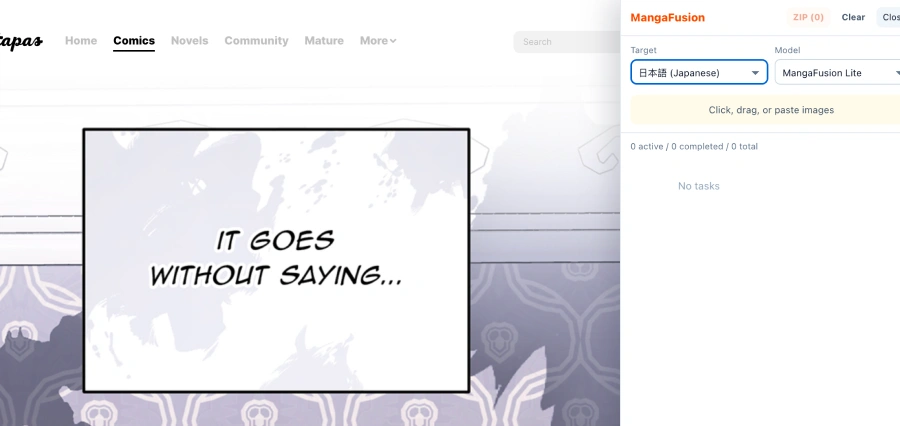

All Supported Online Manga Sites
Works on all major manga platforms worldwide
80+ online manga sites and growing
Get Started in 3 Steps
Install the extension once and start translating manga anywhere in seconds
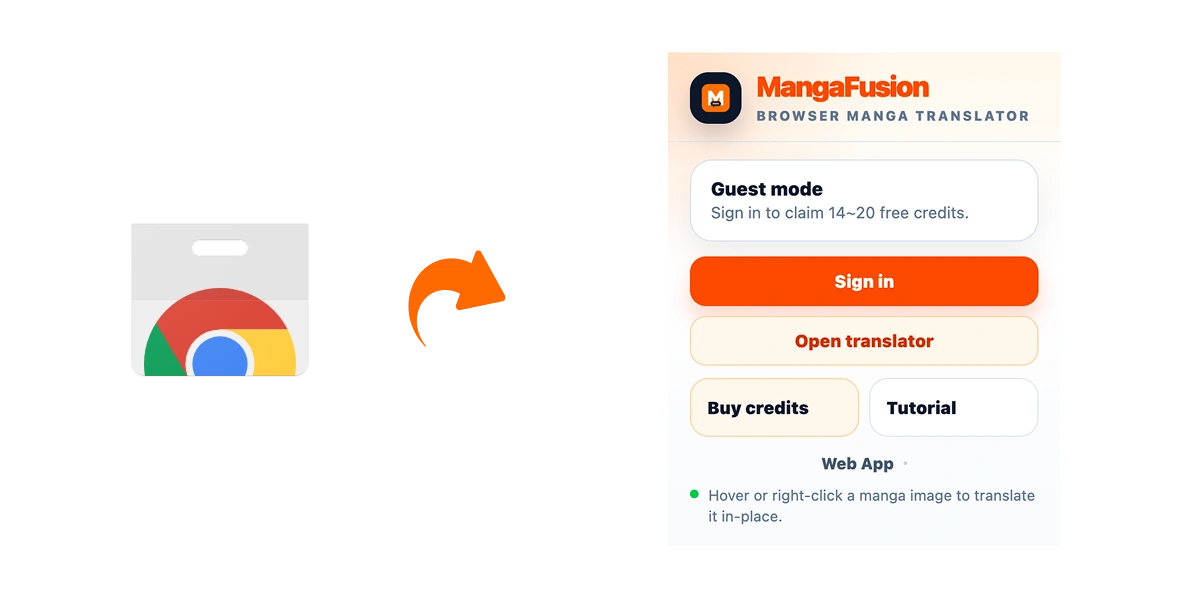
Install the extension
Open the Chrome Web Store, click "Add to Chrome," and finish setup in a few seconds.
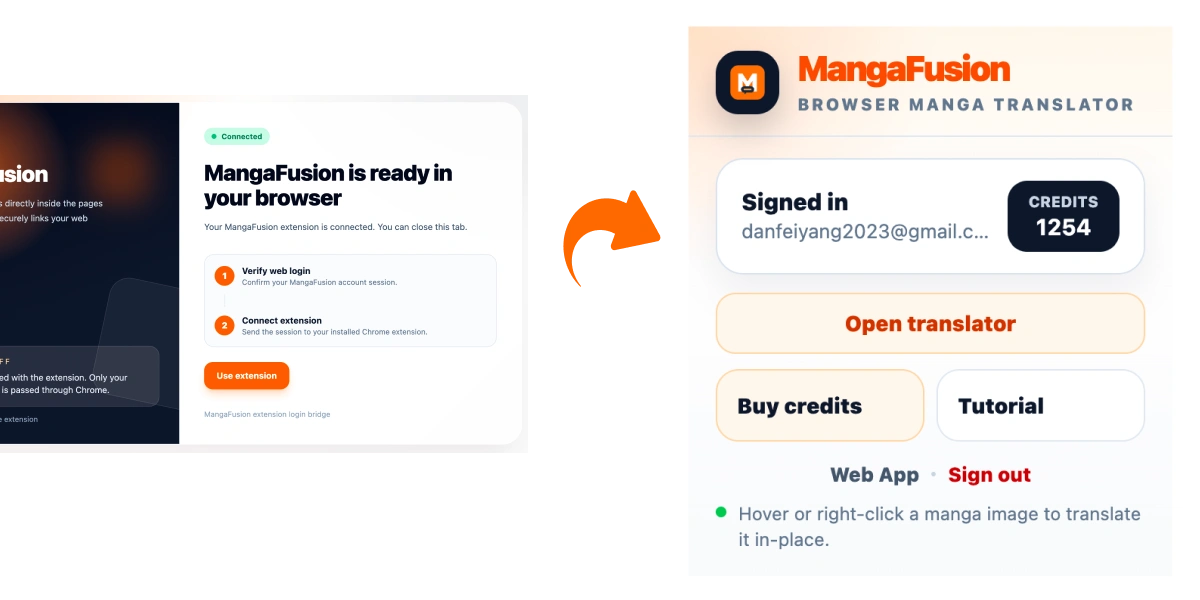
Sign in to your account
Click the extension icon and sign in with your MangaFusion web account. Your credits and settings sync automatically.
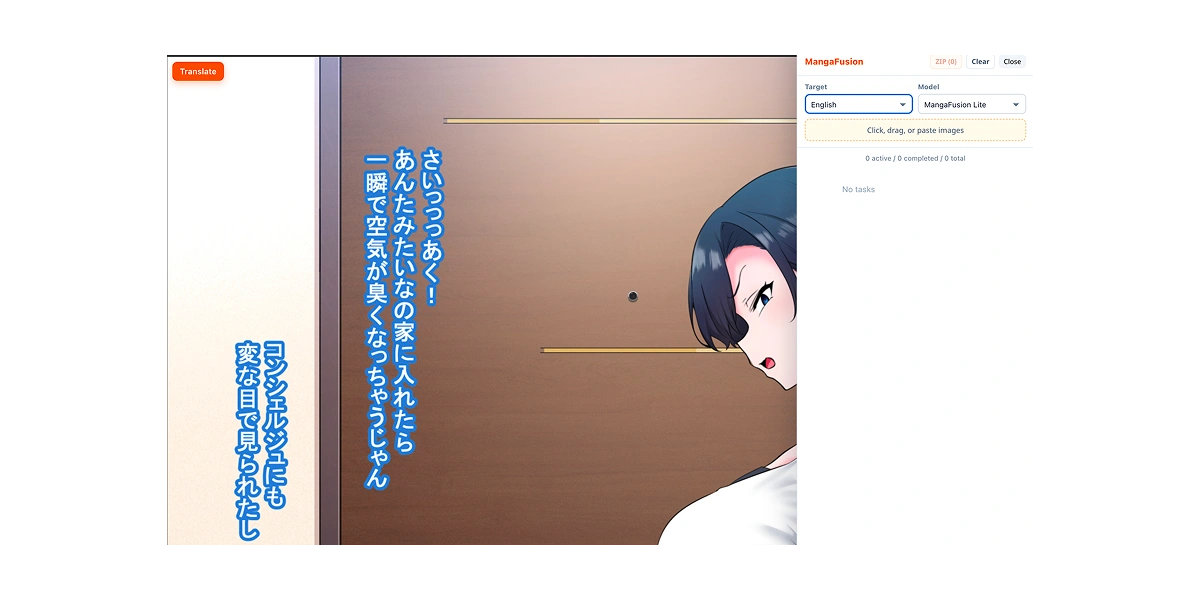
Translate manga instantly
Open any manga page, choose the panels you want to translate, and view the result right on the website.
Translate manga on any website
MangaFusion is not limited to a small list of supported sites. Use the browser extension to translate manga directly on almost any manga website you already read.
Works across major manga websites
No need to download images first
See translations without leaving the page

Smart panel and text detection
Advanced AI helps identify manga panel boundaries and text areas, so you can select content faster and get cleaner translation results.
Auto-detect manga panel boundaries
Recognize speech bubbles more accurately
Keep the original reading layout readable

One-click manga translation
Skip the manual workflow. Select one panel or several at once, start translation with one click, and read the result immediately.
One-click translation workflow
Fast in-page translation preview
Supports batch panel translation

Built for the Browser Reading Experience
Everything is designed to help you translate manga faster, stay on the page, and keep your reading flow uninterrupted
Translate directly on the page
Choose manga panels and translate them without opening another tool or reuploading screenshots.
Universal manga site support
Use the extension on the manga websites you already visit instead of switching to a separate reading workflow.
Smart selection tool
Select the exact area you want to translate with better control over panels and text regions.
Translation history
Your past translations are saved so you can revisit previous chapters or compare results later.
Account and credit sync
Use the same account across web and extension with synced credits, settings, and history.
Keyboard shortcuts
Launch common actions faster with shortcut support made for repeat readers and power users.
Frequently Asked Questions
Everything readers ask before installing the MangaFusion browser extension
Ready to translate manga without leaving the page?
Install the MangaFusion browser extension and read manga on your favorite sites with faster, cleaner in-page translation.