
AI Manga Upscaler -- Make Low-Resolution Manga Clearer
Enhance blurry, compressed, or repeatedly shared manga pages online. Upscale panels and full pages to recover sharper line art, cleaner bubble text, and better detail for reading, translation, cleaning, and typesetting workflows.
Free try available. Built for manga readers and translation creators.
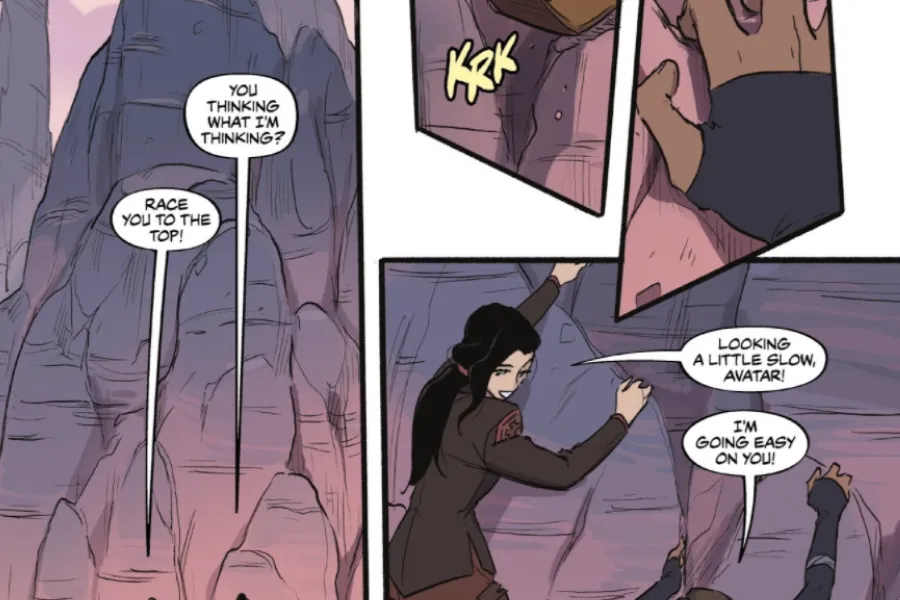
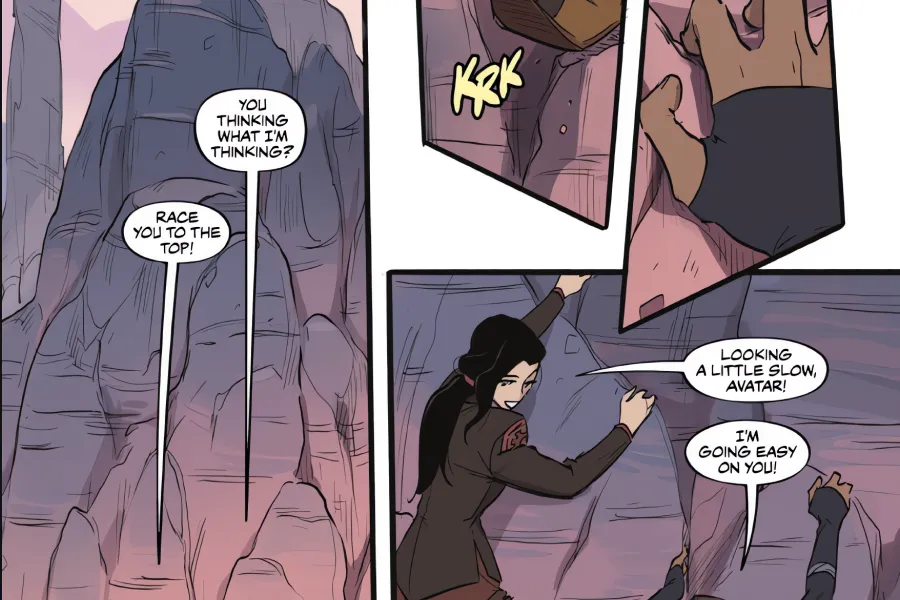
Manga Upscaler
Upload manga pages
PNG, JPEG, WEBP. Multiple images supported.
Upscaler Queue
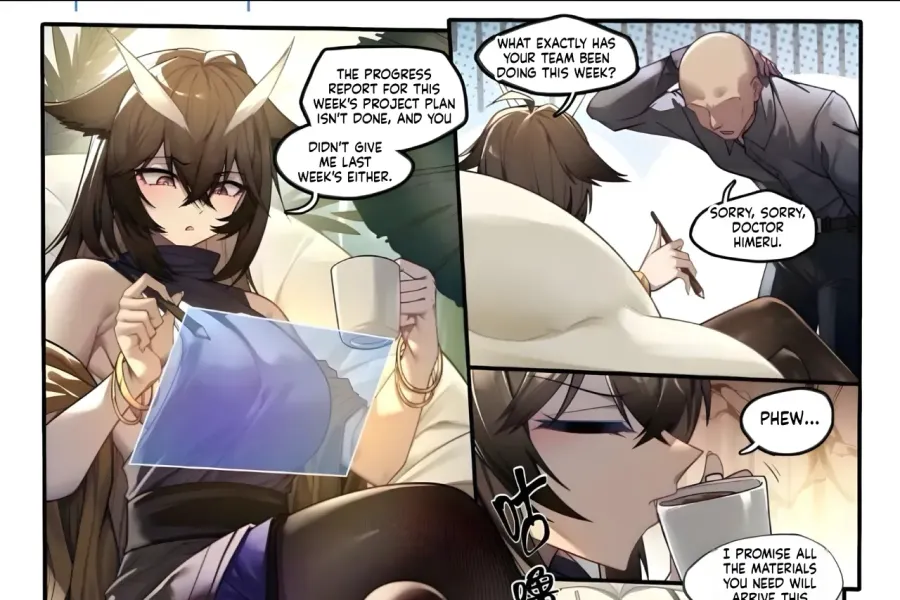
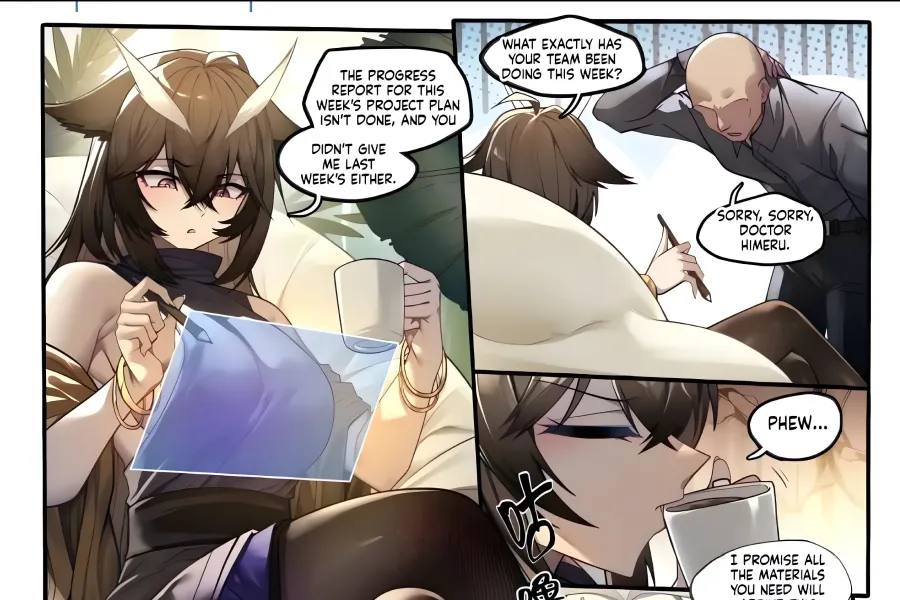
How to upscale manga images
Use Manga Upscaler when a page is too small, compressed, blurry, or hard for OCR to read. Upscaling can be the first step before manga translation, cleaning, and typesetting.
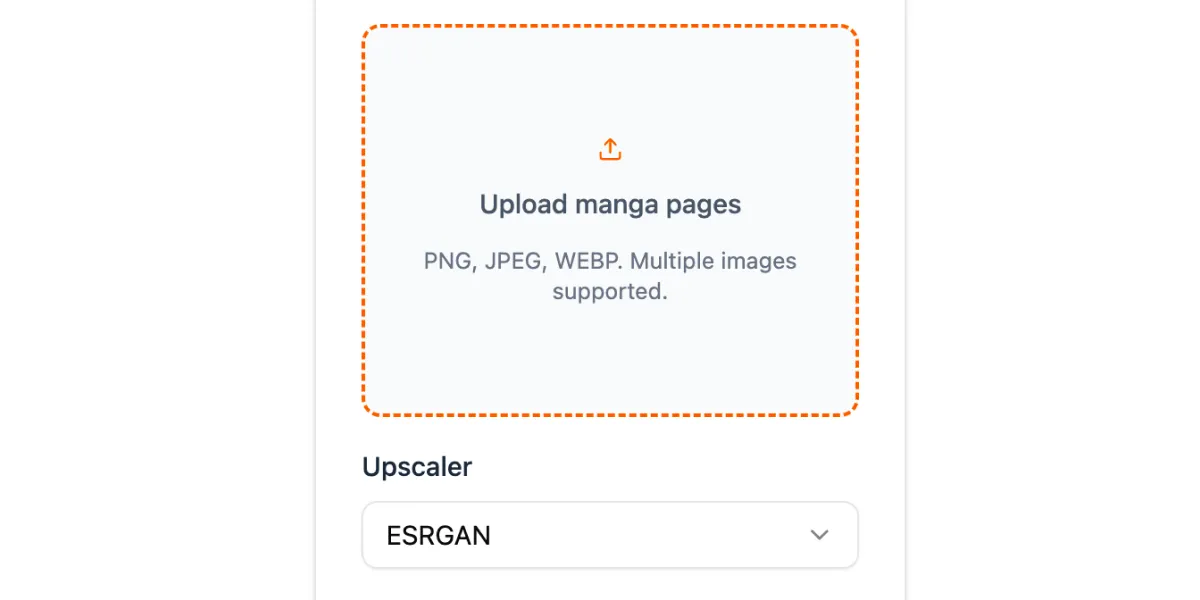
Upload low-resolution manga
Add one image or a batch of manga pages. Use it for reposted scans, compressed web images, small screenshots, and older manga files that need more clarity.
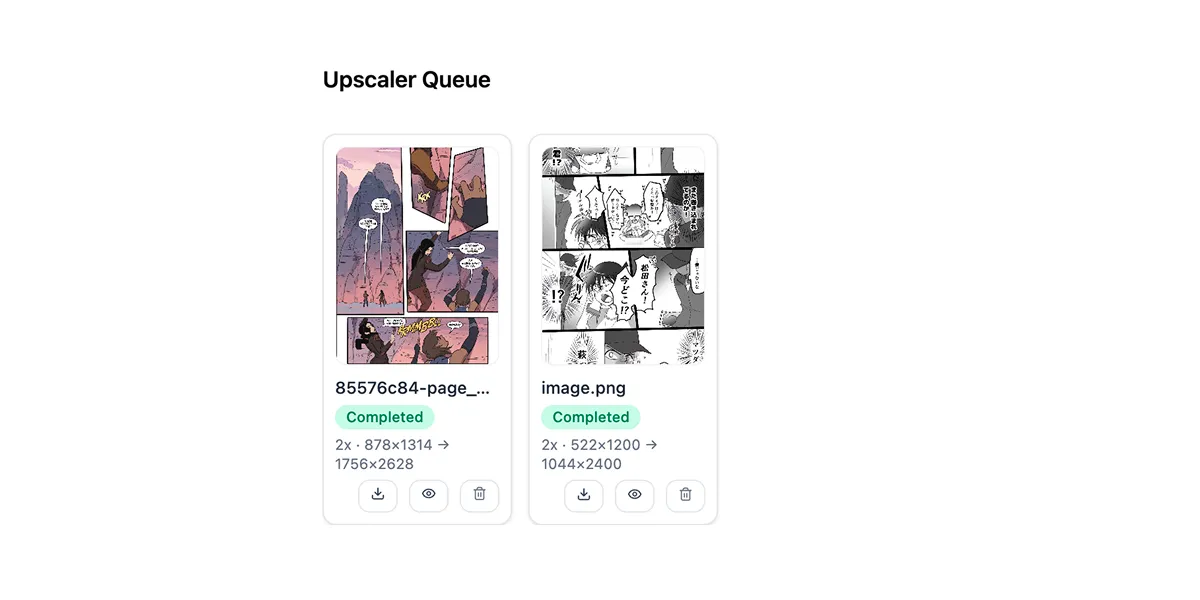
Enhance line art and text areas
The upscaler increases image resolution and helps sharpen outlines, panels, speech bubbles, and printed text areas so the page is easier to inspect and process.
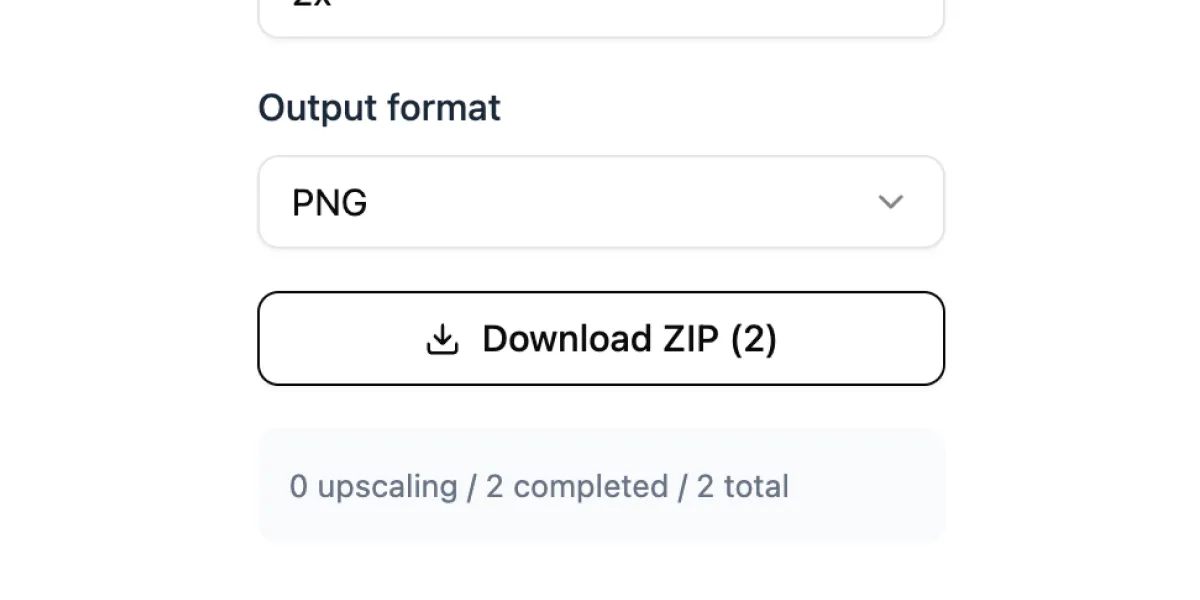
Download clearer pages
Preview the enhanced result, download single images, or export a batch. Use the clearer pages for reading, OCR, translation, cleaner, or typesetting steps.
Recover clarity from compressed manga pages
Many manga images lose detail after being reposted, resized, screenshotted, or compressed. Manga Upscaler helps restore a clearer working image, making line art, bubbles, and small text easier to see before any editing step.
Enhance small screenshots and compressed manga pages
Make speech bubbles and panel details easier to inspect
Prepare cleaner source images for fans and creators
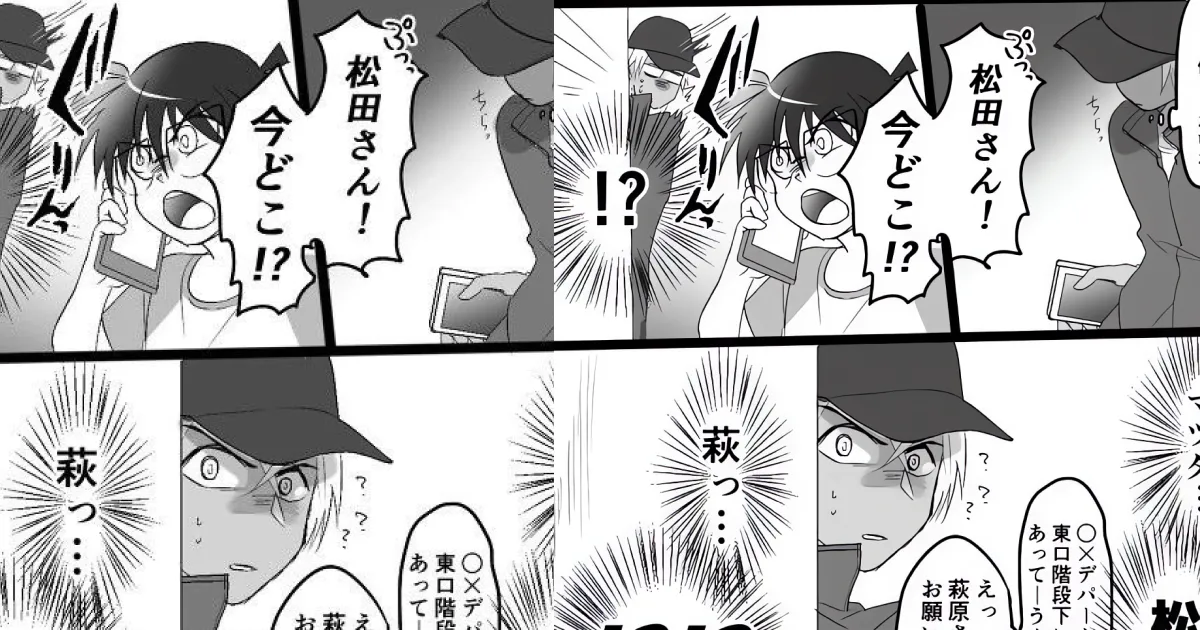
A stronger first step for manga translation
For translation creators, image clarity affects the whole pipeline. A sharper page can improve text detection and OCR, which can lead to more accurate translation before cleaning and typesetting.
Upscale before OCR and automatic manga translation
Improve the source image before cleaner removes text
Typeset translated dialogue onto a cleaner, higher-resolution page
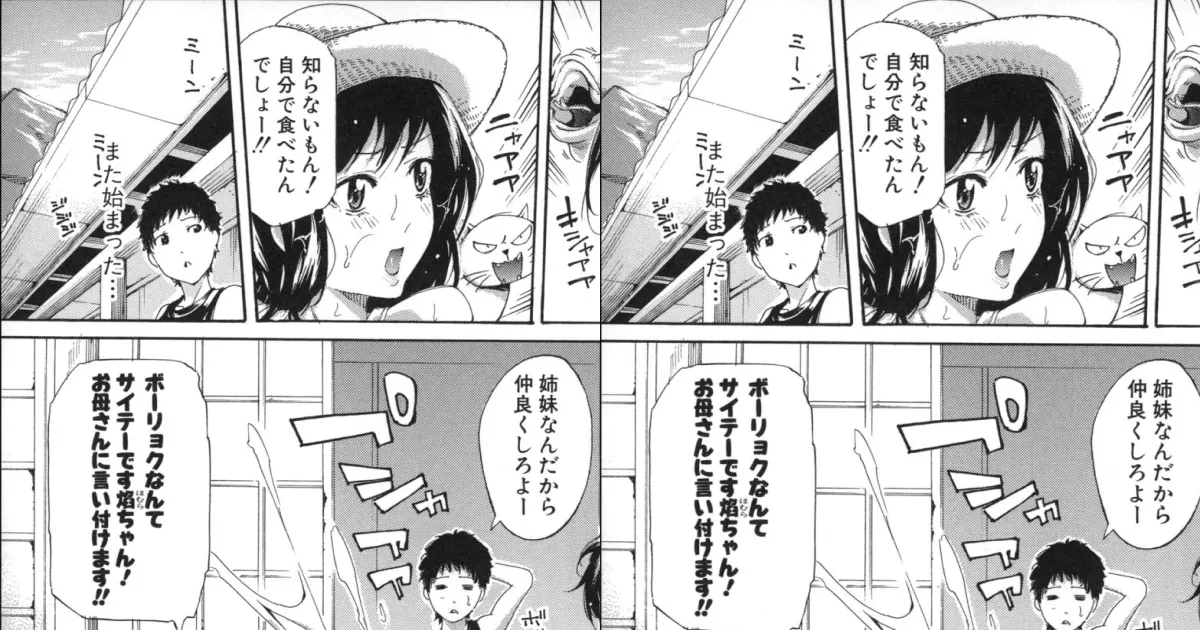
Use it standalone or inside your workflow
Manga Upscaler works as a simple enhancement tool for readers and as a practical pre-processing step for scanlation and localization teams. Upload, upscale, review, then move the result into the next part of your workflow.
Use for reading, archiving, editing, or translation preparation
Preview enhanced pages before downloading
Export images for cleaner, redraw, and lettering tools
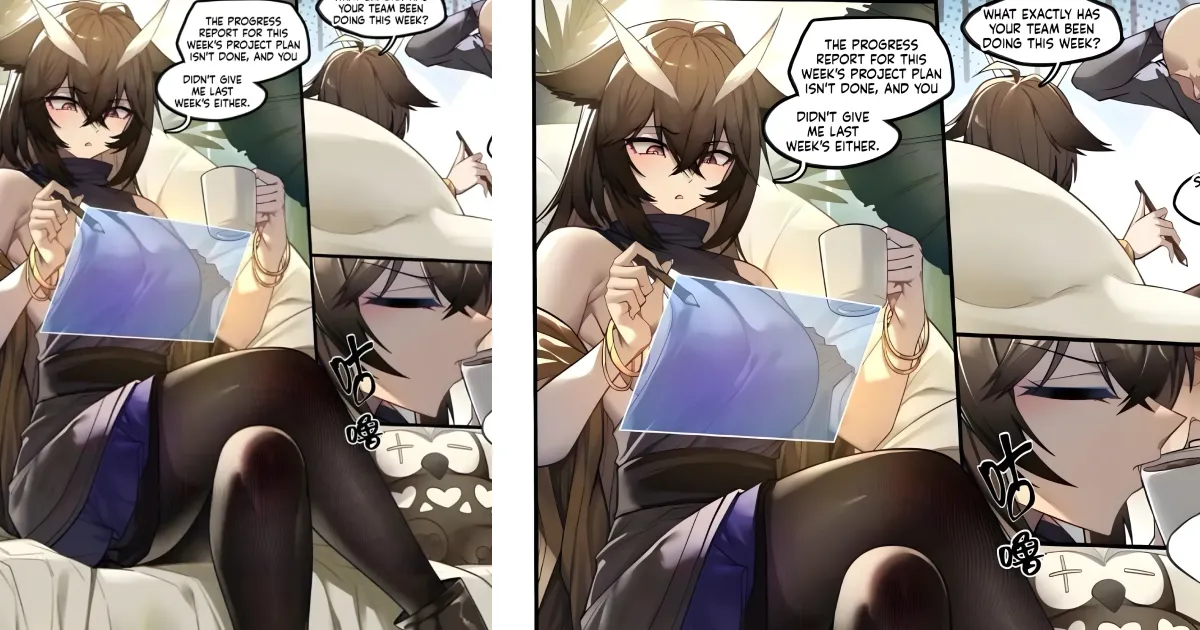
Upscale manga for reading and translation
A focused AI manga upscaler for fans, scanlation teams, localization creators, editors, and anyone working with compressed or low-resolution manga pages.
Improve low-quality manga scans
Make repeatedly shared, compressed, or small manga images clearer before reading or editing.
Better OCR before translation
Sharper source pages can help machine text detection and OCR read manga dialogue more accurately.
Cleaner translation pipeline
Upscale first, then use Manga Cleaner to remove source text and typeset translated dialogue back into the page.
Batch chapter workflow
Process multiple pages together so creators can prepare a whole chapter before translation or lettering.
Keep manga artwork readable
Enhance outlines, screen tones, panel borders, bubble shapes, and small printed text without starting a full translation job.
Export production-ready images
Download enhanced pages as standalone assets for cleaner, redraw, proofreading, or typesetting tools.
Manga Upscaler FAQ
Answers for readers and creators using AI upscaling before manga translation, cleaning, or typesetting.
Upscale manga before you translate
Improve low-resolution manga pages, prepare clearer images for OCR, and build a cleaner pipeline from upscaling to text removal and typesetting.