
AI Manga Cleaner -- Remove Text from Manga Bubbles
Clean speech bubble text from manga pages in seconds. Upload panels or full pages, remove the original text, and prepare clean artwork for manga translation, lettering, editing, or creator workflows.
Free try available. Unlimited manga types supported.
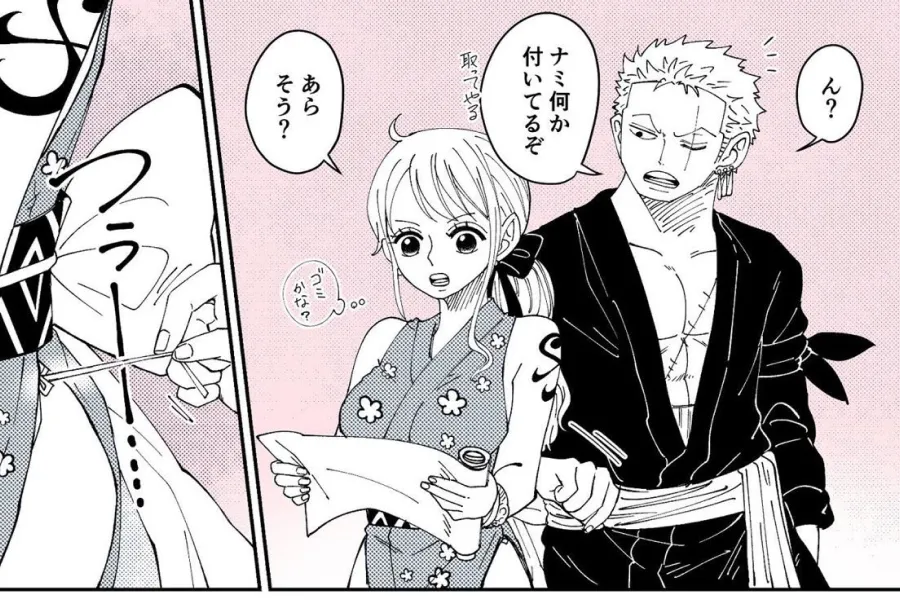
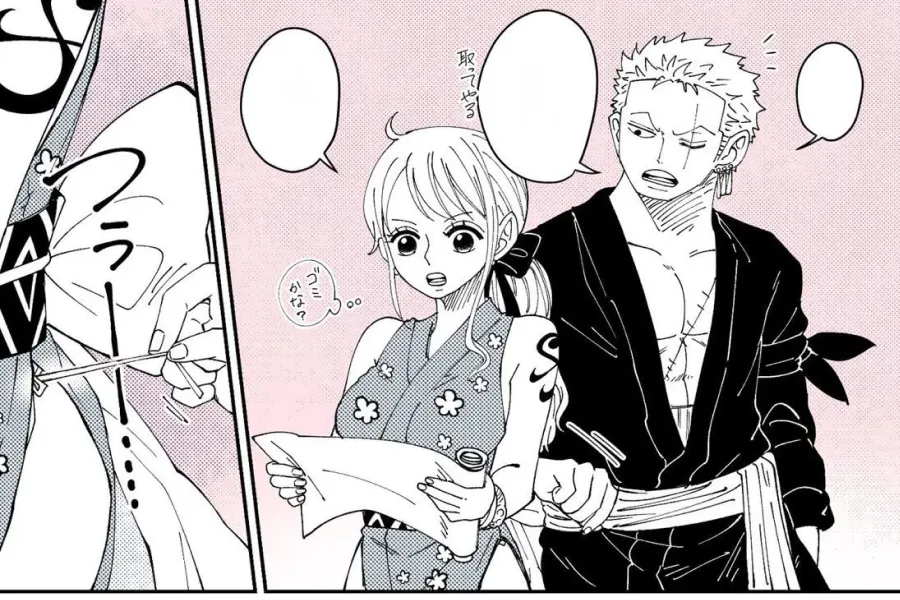
Manga Cleaner
Upload manga pages
PNG, JPEG, WEBP. Multiple images supported.
Cleaner Queue
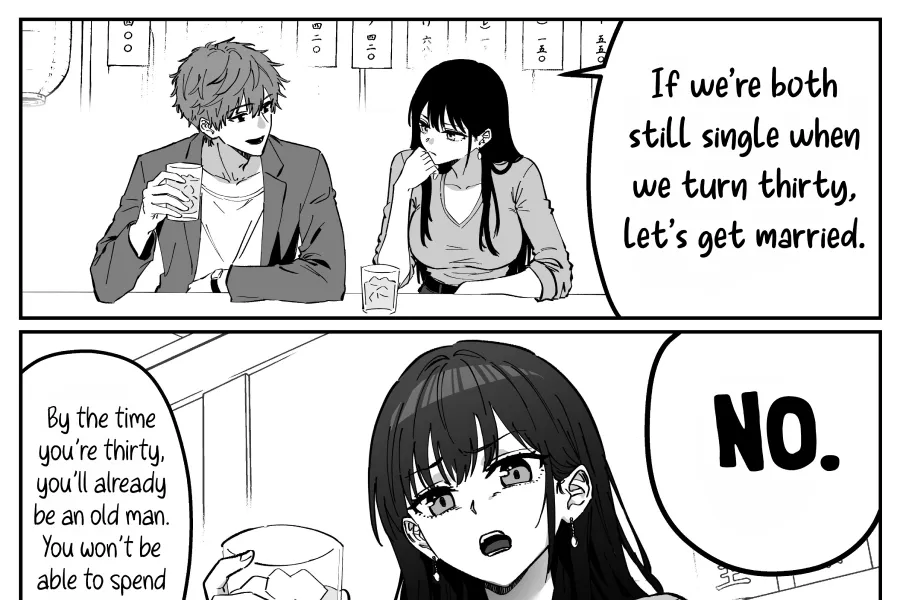
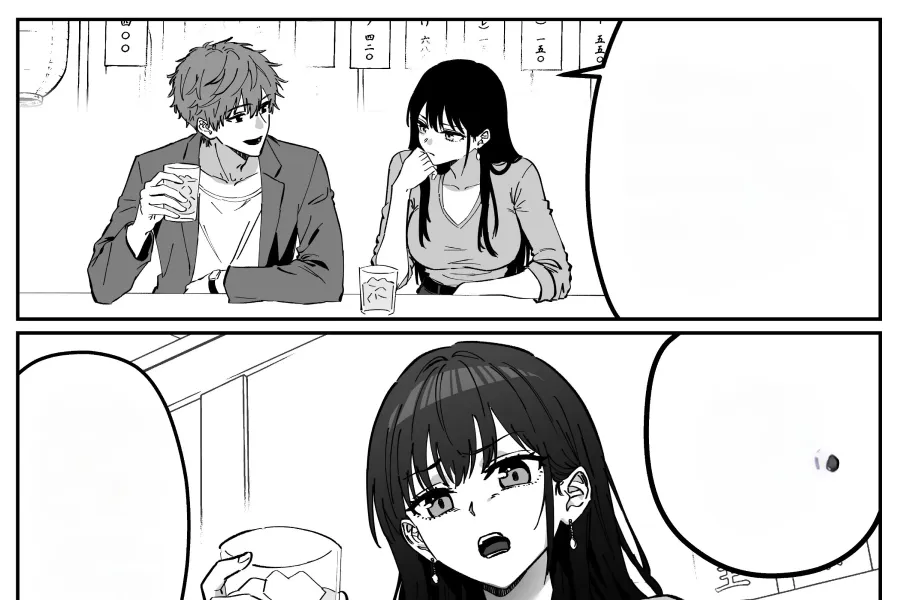
How to remove text from manga bubbles
Use Manga Cleaner before translation, redrawing, or lettering. The tool keeps the artwork and removes text from speech bubbles automatically.
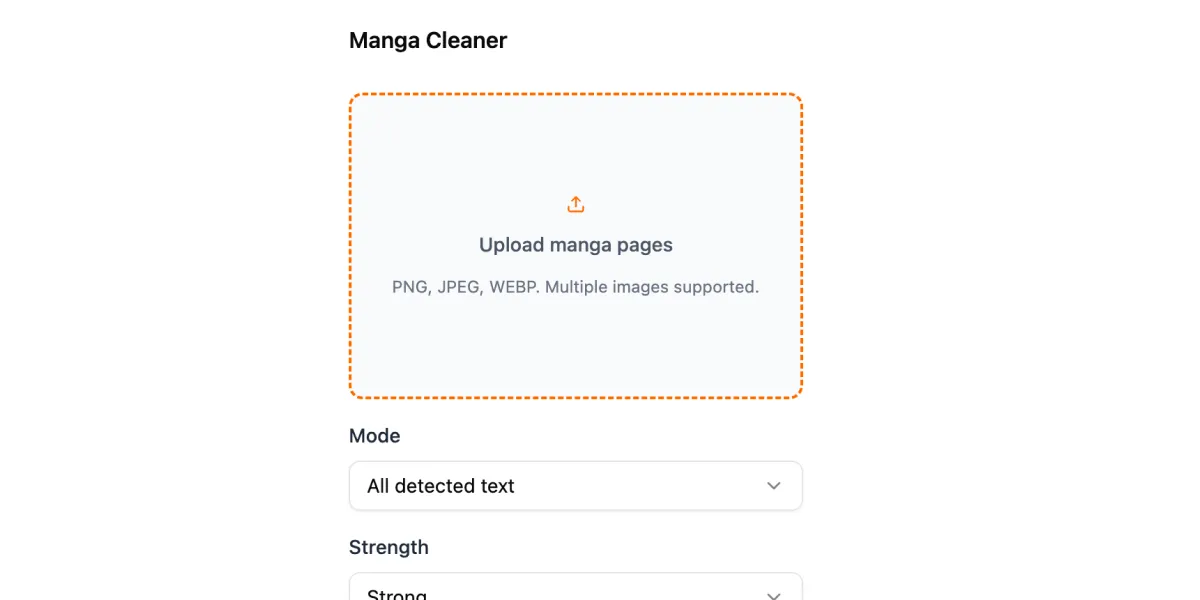
Upload manga images
Add one page or a batch of manga panels. JPG, PNG, WEBP, and common comic page formats are supported.
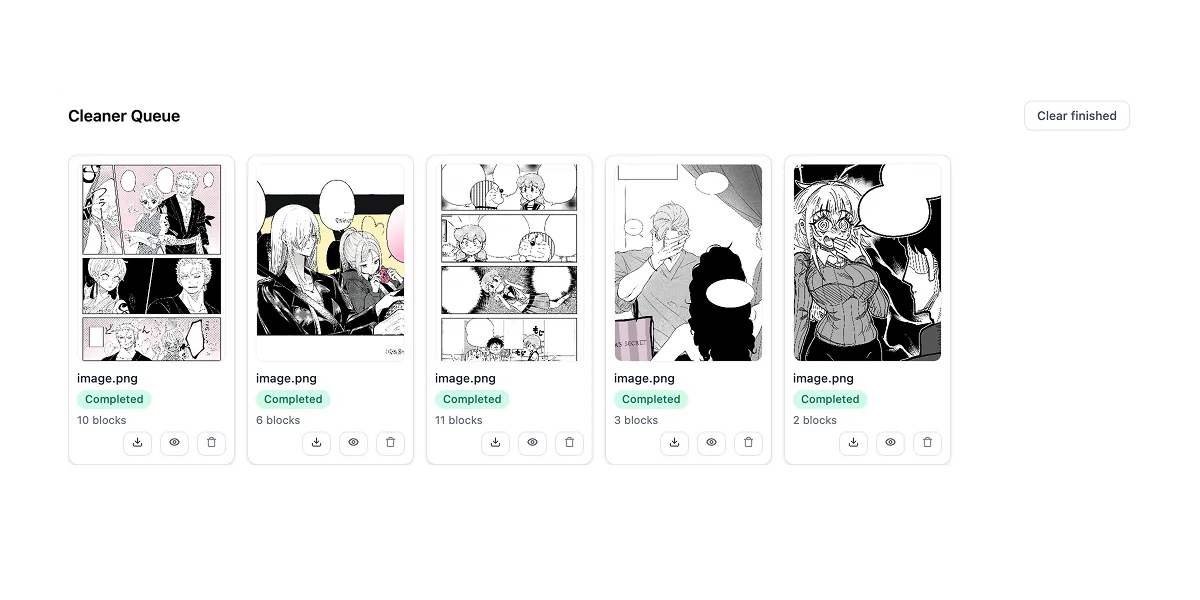
Clean bubble text
The cleaner detects speech bubbles and removes text while preserving the surrounding manga artwork.
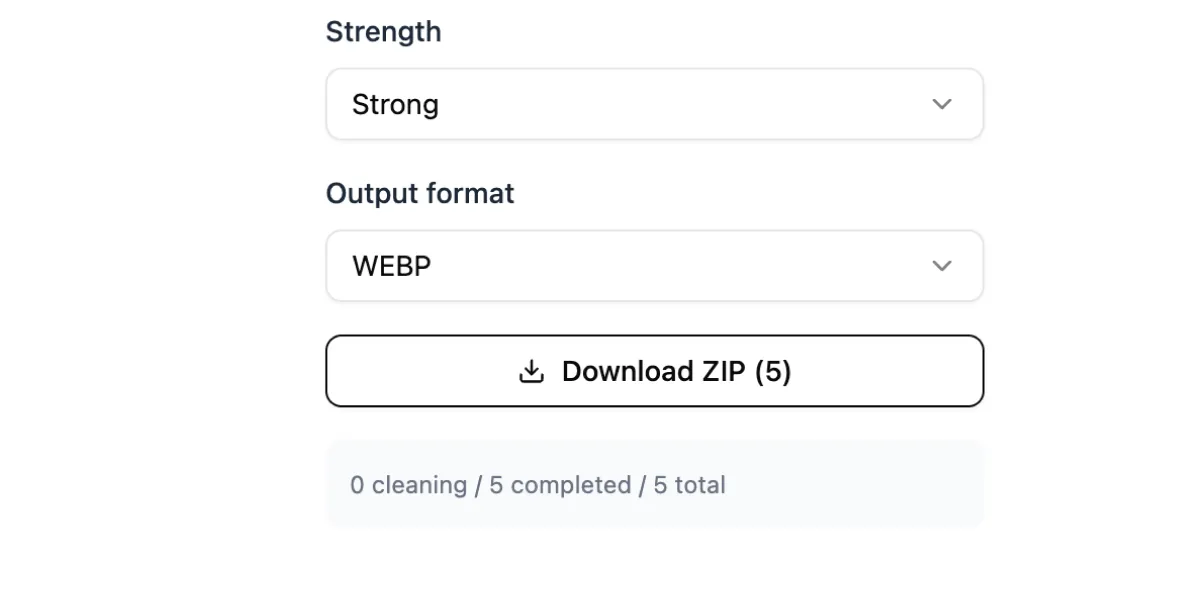
Download clean pages
Preview each cleaned result, then download individual pages or export the whole batch as a ZIP.
A cleaner first step before manga translation
Manga Cleaner is designed for creators who need clean speech bubbles before typesetting translated dialogue. It separates the cleaning step from translation, so you can edit, proofread, redraw, or letter with more control.
Remove original dialogue before adding translated text
Keep translation and lettering decisions in your own workflow
Prepare pages for teams, freelancers, or creator pipelines
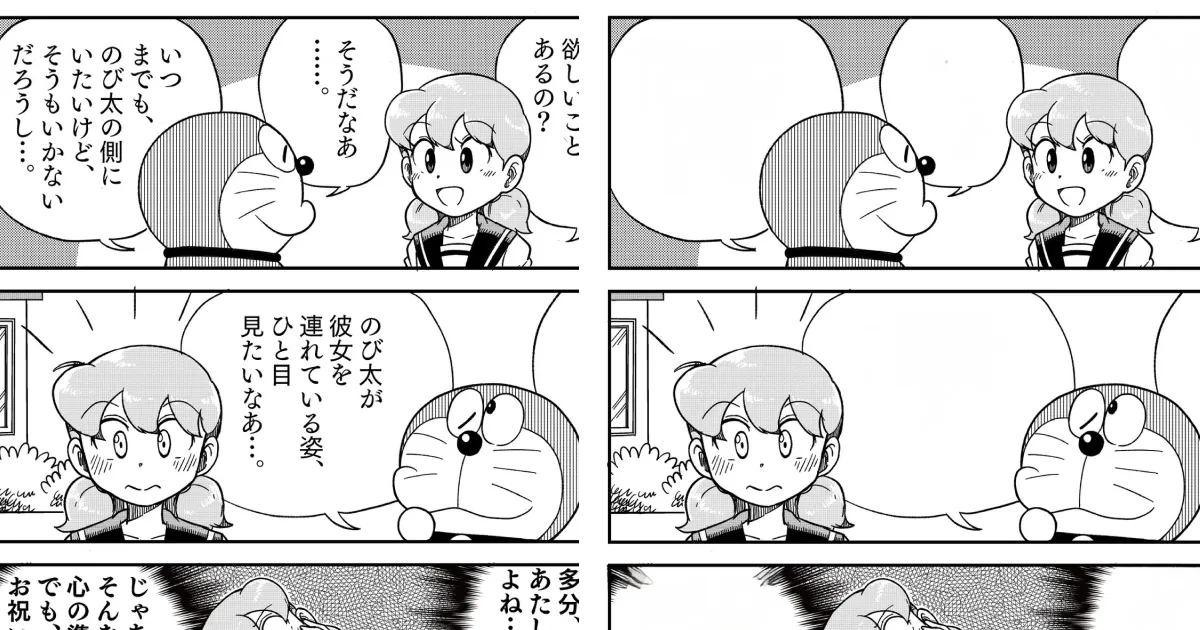
Made for batches, chapters, and creator teams
Instead of cleaning one panel at a time by hand, upload multiple manga pages and keep the workflow moving. It is useful for solo creators, translation teams, editors, and studios preparing pages for localization.
Clean multiple pages before handing them to a translator or letterer
Package finished pages for review or production
Keep original translation decisions outside the cleaner step
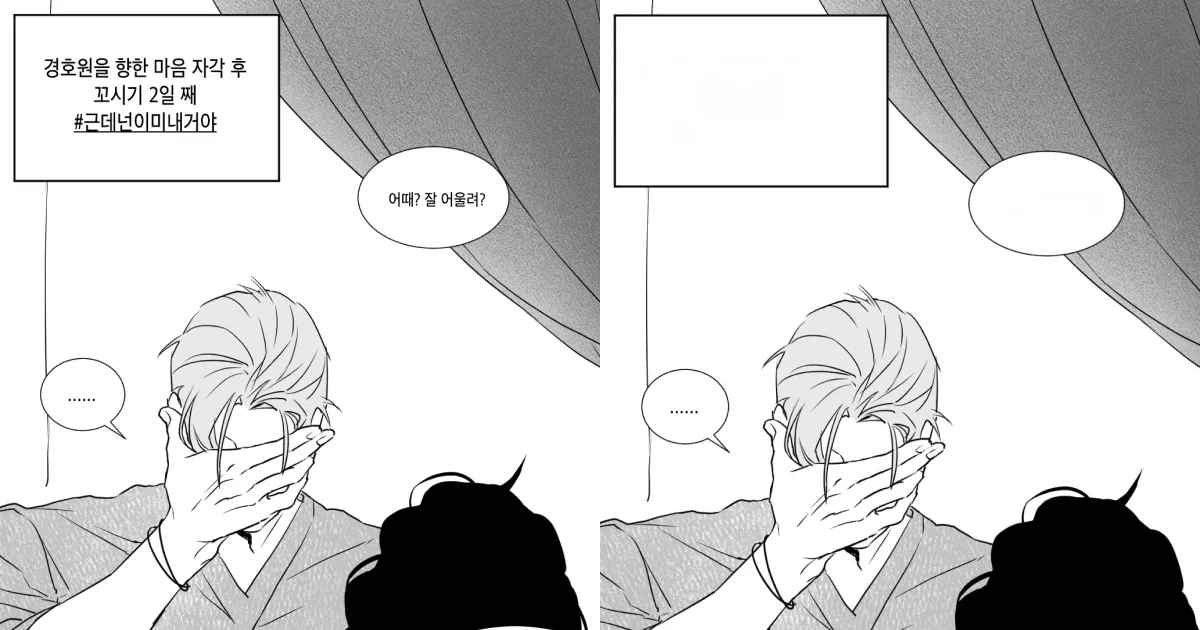
Free try, with no manga category limit
Try the manga cleaner on different page layouts and art styles. It is meant for practical creator use, from quick social posts to longer translation batches.
Supports many manga page types and bubble layouts
Preview cleaned pages before download
Download cleaned results for your next production step
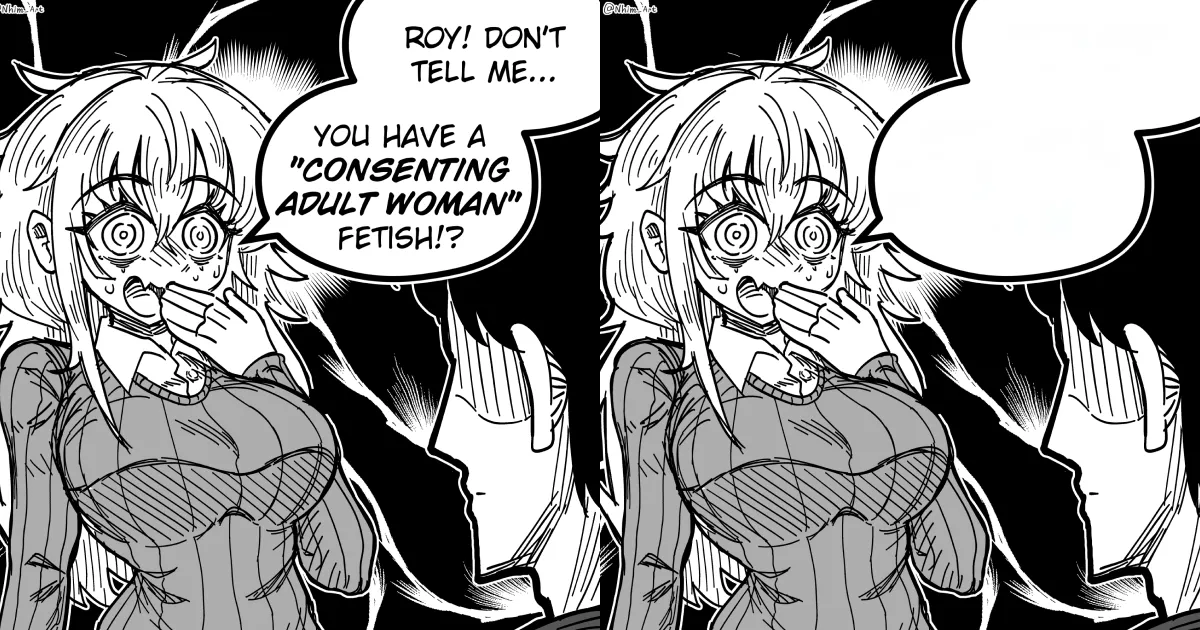
Built for manga translation creators
A focused manga cleaner for scanlation teams, localization creators, editors, and artists who need clean pages before adding translated text.
Remove text from manga bubble areas
Clean dialogue text from speech bubbles without running a full translation workflow.
Unlimited manga styles
Works across shonen, shojo, seinen, web manga, doujin pages, vertical panels, and black-and-white or colored artwork.
Batch creator workflow
Process multiple pages together, review results quickly, and package finished clean pages for the next editing step.
Preview before export
Check each cleaned page before downloading, so creators can catch difficult bubbles or artwork areas early.
No translation required
Use cleaning as a standalone step when your translation, proofreading, or typesetting happens somewhere else.
Translation-ready output
Use the cleaned pages as a base for lettering, manual translation, redraw work, or your own manga publishing pipeline.
Manga Cleaner FAQ
Answers for creators using Manga Cleaner to remove text from manga bubbles.
Clean manga bubbles before you translate
Remove text from manga bubble areas, preview the result, and download clean pages for lettering, localization, and creator editing workflows.