
AI Manga Translation & Typesetting Online -- Translate, review, and letter manga — not just typesetting alone
This is a translation-plus-typesetting workspace, not a simple lettering tool. Upload manga pages, get an AI translation draft, compare every source line with its translation, revise wording, then place dialogue into editable ellipse or rounded-rectangle bubble masks. Choose fonts, adjust size, spacing, writing direction, alignment, and color, then review and export from one online flow.
For creators who translate and typeset manga in the same workflow
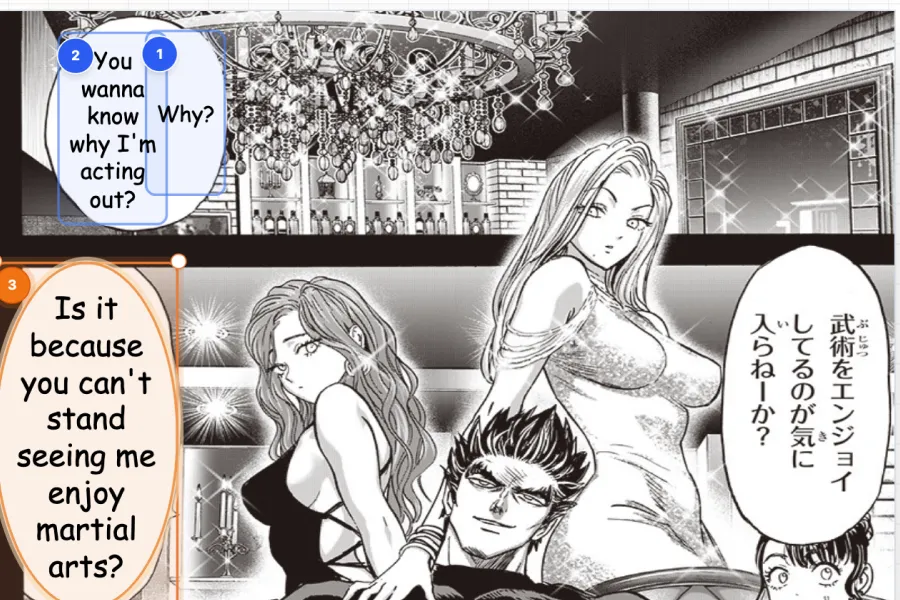
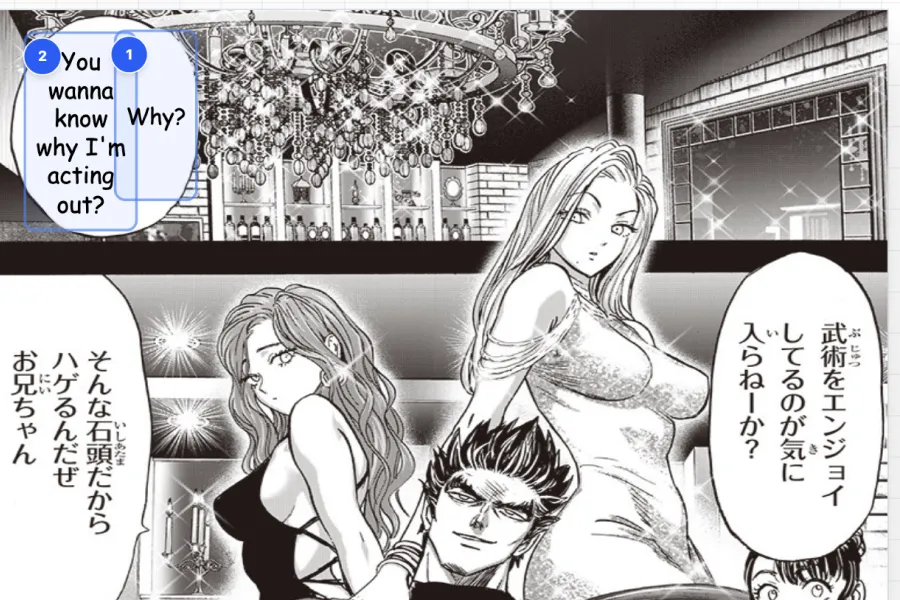
How AI manga translation & typesetting works
Translation and typesetting stay in one workflow — so creators move from OCR and AI translation to reviewed lettering without treating layout as a separate, after-the-fact step.
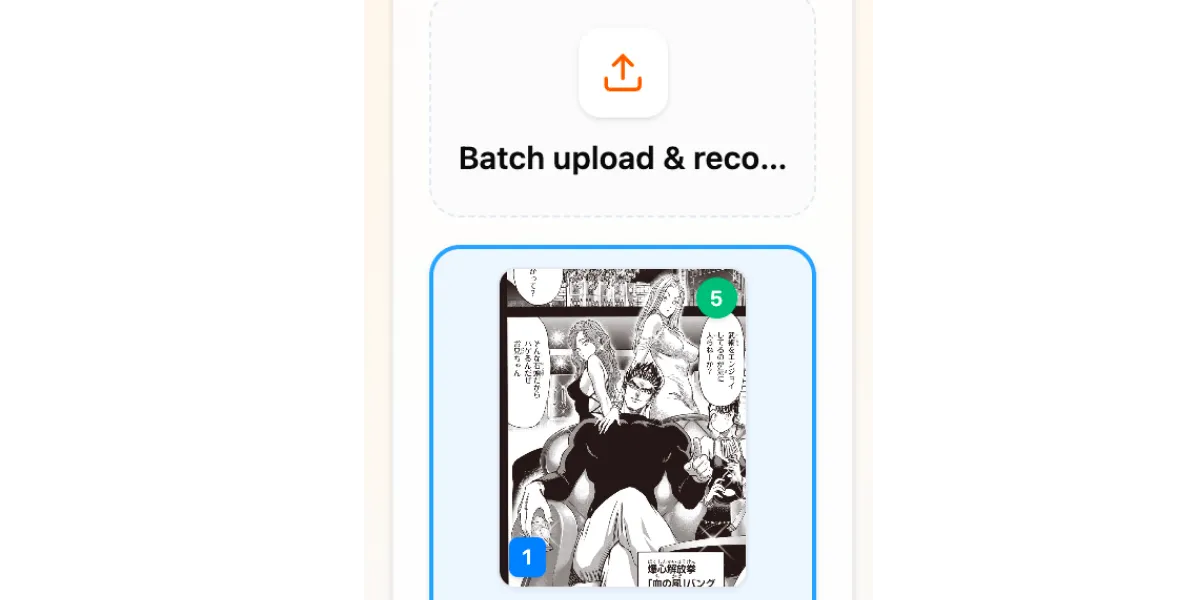
Upload pages and detect text
Upload JPG, PNG, or WebP pages and choose a target language. AI detects text regions and prepares editable blocks that keep source text and translation connected for both review and lettering.
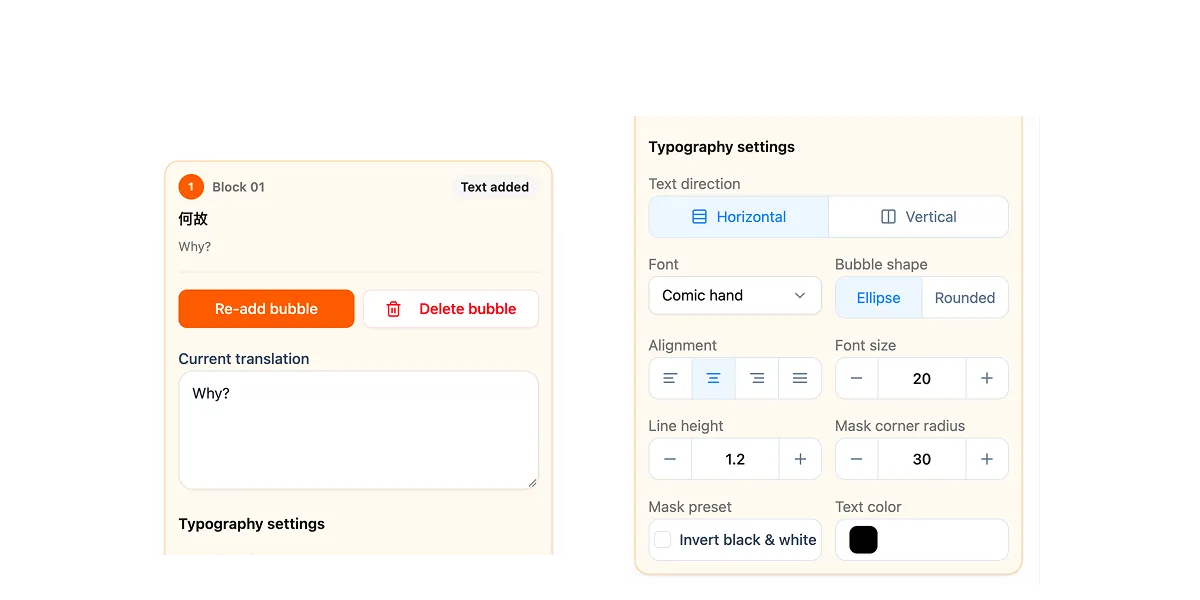
Translate and compare source text
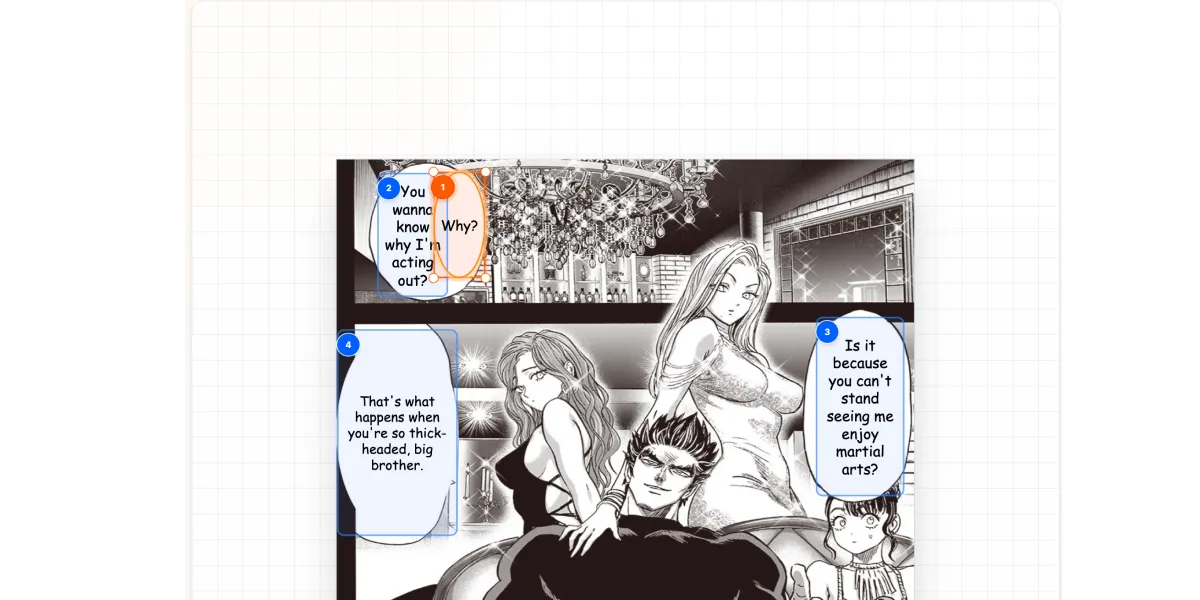
Open any block to see the original text next to the AI translation. Rewrite lines, check names and tone, and keep translation review on the same canvas where typesetting happens.
Typeset the reviewed translation
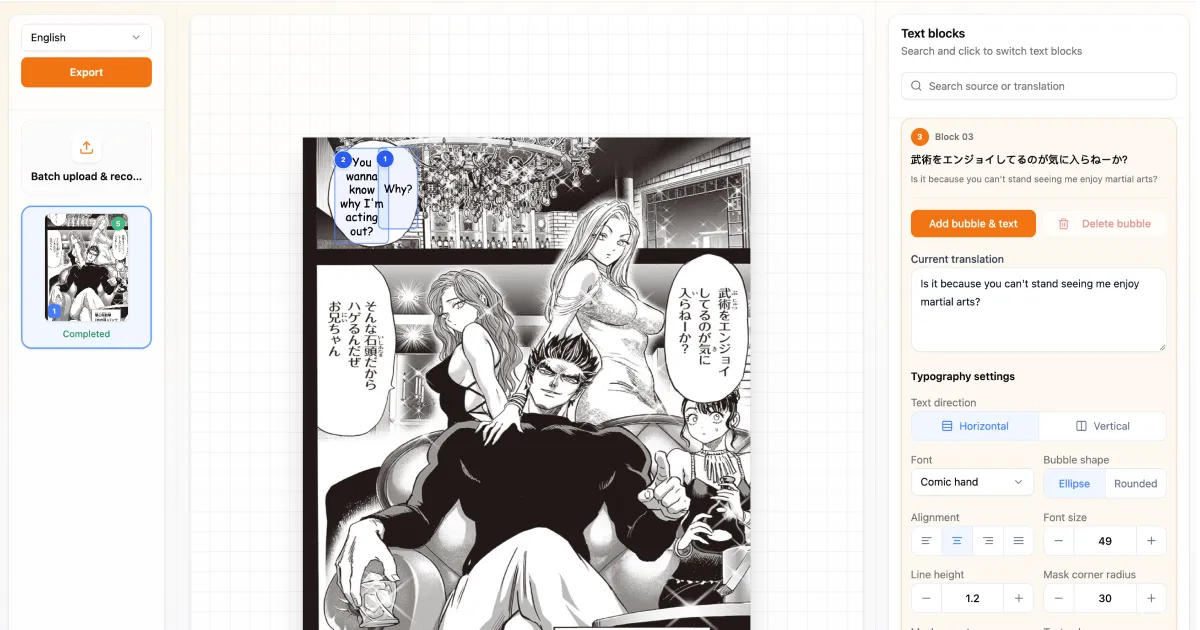
Place the reviewed translation into ellipse or rounded-rectangle bubble masks, choose a font, tune size, line height, writing direction, alignment, color, and export one page or a full batch.
Translate and typeset in the same context
This is not simple typesetting after someone else finished the translation. Creators need to see the source line, judge the translated wording, revise it, and place the final text where it belongs on the page.
Source text, translation, and page location stay connected.
Edit translated dialogue while looking at the panel.
Review each block before exporting the page.
Flexible bubble masks for manga lettering
After the translation is reviewed, use ellipse masks for speech bubbles and rounded-rectangle masks for captions, narration, or compact dialogue areas. Then tune typography until the translated line feels balanced on the page.
Switch between ellipse and rounded-rectangle masks.
Adjust mask size and rounded-corner radius.
Choose fonts and text styling for different dialogue roles.
A professional AI manga translation & typesetting tool
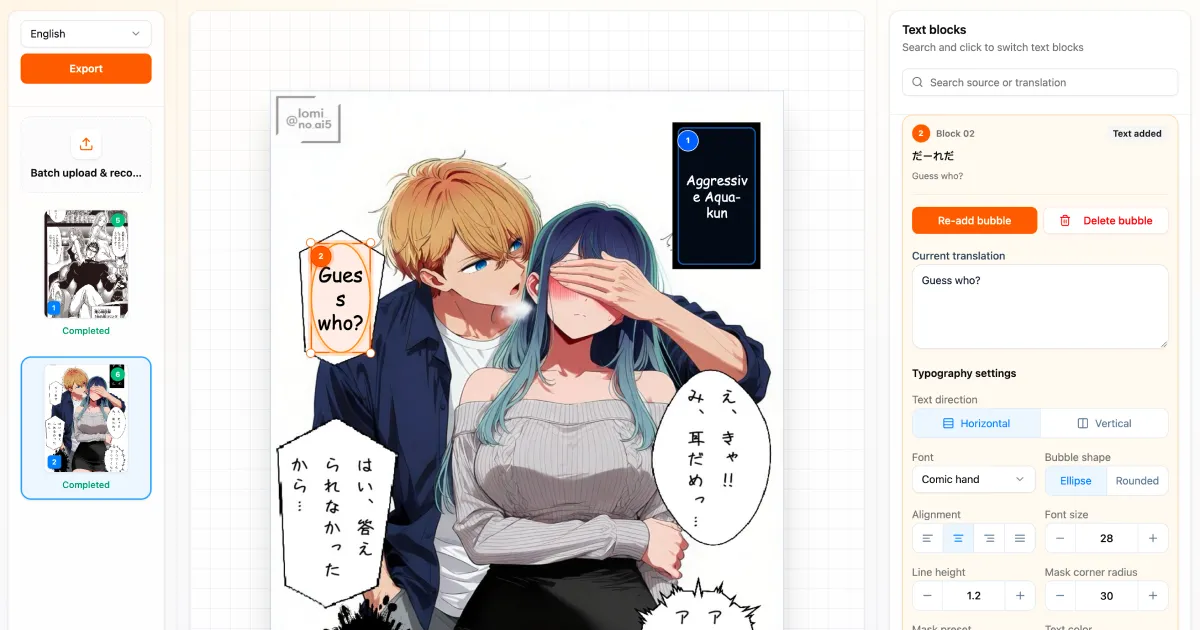
Built for creators who need translation, review, and lettering together — not a standalone typesetting-only tool.
Source and translation comparison
Keep the original manga text and translated dialogue side by side for every detected block, so translation review and lettering decisions happen in the same place.
AI translation draft
Start from an AI-generated translation, then edit the wording directly before placing it on the page. Translation is part of the workflow, not an optional extra.
Font selection
Choose from multiple font styles for dialogue, rounded lettering, manga gothic, handwritten text, impact sound effects, or narration.
Ellipse and rounded bubble masks
Place translated text into ellipse or rounded-rectangle bubble masks, then adjust the mask size and corner radius to match the panel layout.
Typesetting controls
Tune font size, line height, text direction, alignment, and color so the reviewed translation reads clearly in different bubble shapes.
Online batch workflow
Review translation and typesetting across multiple manga pages in one browser session, then export selected pages or a complete chapter batch.
Automatic Manga Translation vs AI Translation & Typesetting
Automatic translation helps you read a page. AI translation & typesetting helps creators revise the wording and letter it onto the page in one workflow.
AI Manga Translation & Typesetting FAQ
Questions about translation review, source comparison, fonts, bubble masks, online workflow, and export.
Translate and typeset manga online
Compare original text with AI translation, revise dialogue, choose fonts, place text in ellipse or rounded bubble masks, review the page, and export finished images — translation and typesetting in one workflow.